
Amazon Firestick
The most popular choice: install the app with Downloader, enter your login and you’re done.
Setup guideStream live channels, sports, movies and series in HD and 4K on your Smart TV, Firestick, phone and tablet. No cable box, no satellite dish, no long contract.
An IPTV service delivers live TV over the internet straight to your devices. You don’t need cable or a satellite dish, just a stable internet connection and an IPTV app.
With a CastGrip plan you get live channels from the USA and Canada, plus movies and series on demand. Everything runs in one clean app with a TV guide, favorites and search.
New to IPTV? Read our guide What Is IPTV? or see every channel category on our IPTV channels page.

 LIVE
LIVE9:00Ocean Giants
10:00Late News
10:30Movie Night
IPTV stands for Internet Protocol Television. With an IPTV service, TV channels don’t come through a cable outlet or a satellite dish. They reach you as a data stream over your normal internet connection. An app on your Smart TV, Firestick, phone, tablet or computer receives that stream and plays it. For a technical overview, see the Wikipedia article on IPTV.
The big advantage: you are not tied to one room or one outlet. In the living room, the bedroom or on a tablet while traveling, the service works wherever you have a stable internet connection. When you switch channels, the app simply loads the new stream, which usually takes just a moment.
Our IPTV service focuses on channels for viewers in the United States and Canada: national networks, local and regional channels, news, sports, documentaries, music and a dedicated section for kids. All channels are sorted by country and category, so you find what you want in seconds. You can see the categories on our IPTV channels page.
Besides live TV, you get a library of movies and series on demand. Start a movie on a whim or continue a series without following a fixed schedule. The electronic program guide (EPG) shows what is on now and what comes next. Save your favorite channels and use the search to find movies, series and channels instantly, whether you watch on the big screen in the living room or on a tablet in bed.
Many channels stream in HD and Full HD, and selected content is available in 4K. How good the picture looks depends mostly on your internet connection. For SD, about 8 Mbps is enough; for Full HD we recommend at least 16 Mbps, and for 4K at least 30 Mbps. A stable connection matters even more than raw speed.
Streaming works best when your device is connected to the router with an Ethernet cable. On Wi-Fi, use the 5 GHz band if you can and keep the router close to the TV. Big downloads or updates running at the same time on your network can briefly lower the picture quality.
You don’t need new hardware. Our IPTV service works on Samsung and LG Smart TVs, Amazon Firestick and Fire TV, Android TV and Google TV, Android phones and tablets, iPhone, iPad and Apple TV, as well as Windows PCs and Macs. For every device there is a suitable IPTV app, such as IPTV Smarters, TiviMate or IBO Player.
Our IPTV setup guide shows you each step for every device. Most IPTV apps are free. Some Smart TV apps charge a one-time license fee after a trial period; that fee goes to the app developer and is not part of your plan. Not sure which app fits? Just ask us on WhatsApp.
With CastGrip you pay once for the plan you choose. There is no auto-renewal and nothing to cancel. Every plan includes the same channels, movies, series and features; you only choose how long you want to watch:
Each plan includes one connection. You can install the app on several devices, but you watch on one device at a time. Need more connections at once? Ask us on WhatsApp for an offer.
Before you decide, you can test everything free for 24 hours. Message us on WhatsApp and tell us which device you use. You get trial login details and can try every channel and the on-demand library on your own device, with no payment and no commitment.
After you order, we don’t leave you alone. Our support team helps you in English via WhatsApp and email, from setup to everyday questions. If the service doesn’t work as described even after we troubleshoot together, our 7-day money-back guarantee applies.
CastGrip is made for viewers across North America, whether you live in New York, Chicago, Houston, Los Angeles, Toronto, Montreal or Vancouver. Because the service runs over the internet, it doesn’t matter which provider you use: fiber, cable internet, DSL, 5G home internet and mobile connections all work, as long as the connection is stable.
More and more households in the US and Canada are cutting the cord and replacing expensive cable bundles with streaming. An IPTV service is a flexible option: no technician visit, no equipment rental and no long contract.
With cable TV you are tied to the outlet in your home and usually sign a contract with a minimum term and monthly box fees. Satellite TV offers many channels but needs a dish, correct alignment and a receiver, and heavy rain or snow can interrupt the signal. An antenna only gets local broadcast channels.
IPTV skips all of that hardware. You only need internet and an app. In return, quality depends more on your internet connection. With a stable connection, an IPTV streaming service gives you live TV, movies and series in one app, on the device of your choice, for the period that suits you.
There are many IPTV providers, and they are not all equal. When you compare IPTV service providers, look for a free trial so you can test on your own device, clear prices without hidden fees, no automatic renewal, a real money-back guarantee and support that actually answers. A reliable provider also explains how setup works and which apps to use, instead of leaving you alone after payment. We built CastGrip around exactly these points.
Getting started is quick and usually takes only a few minutes. First, request the free trial on WhatsApp or pick a plan right away. After your order we share the available payment options. As soon as payment is received, you get your username, password and server URL on WhatsApp.
Then install the right app on your device and enter your login details. After a moment, all channels, the on-demand library and the TV guide appear. Most customers are watching within minutes of ordering. If anything gets stuck, we guide you step by step on WhatsApp until everything works.
Tip: keep the message with your login details. If you switch to a new device later, you can log in again right away without contacting us.
Still stuck? Message us and we’ll look at the problem together until everything runs smoothly.
Our advantages
Our servers are built for smooth playback, so your channels keep running in prime time and during the big game.
From $5.00 per month with the 12-month plan. All channels, movies and series included, no hidden fees. See pricing

Questions about the setup? Message us on WhatsApp. A real person answers in English and helps until everything works. Contact
No contract trap, no auto-renewal and a 7-day money-back guarantee if the service doesn’t work for you.
Customer reviews
What Our Customers Say About Our IPTV Service
Real WhatsApp chats from our support: setup, renewals and quick help when something needs fixing. Swipe to see all messages.
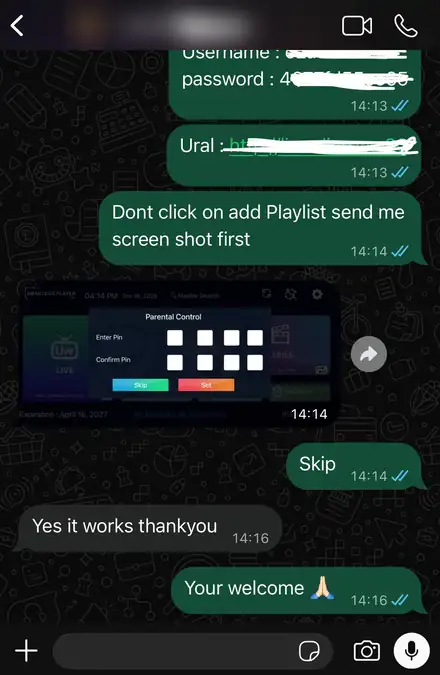
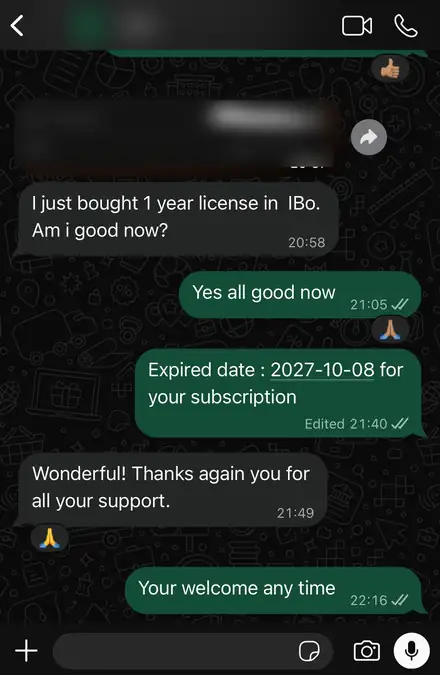
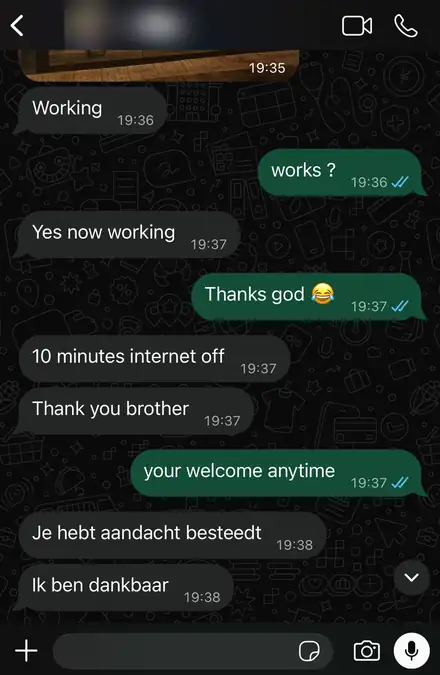
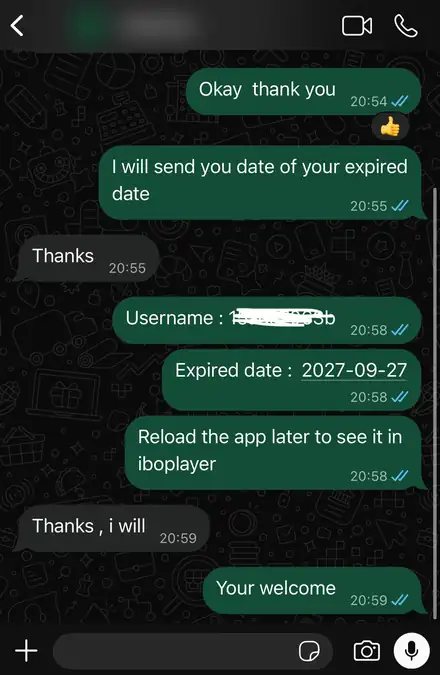
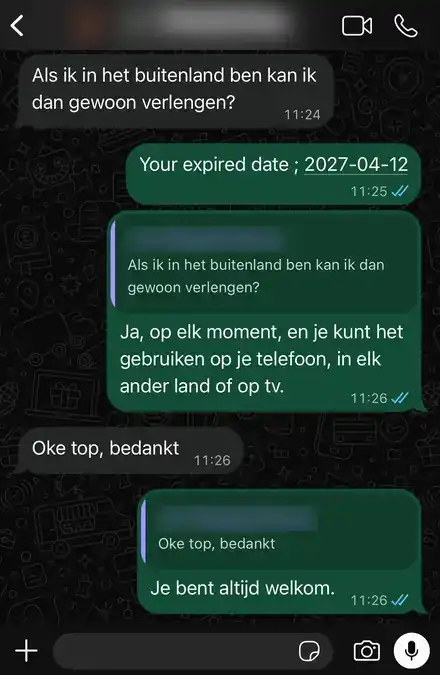
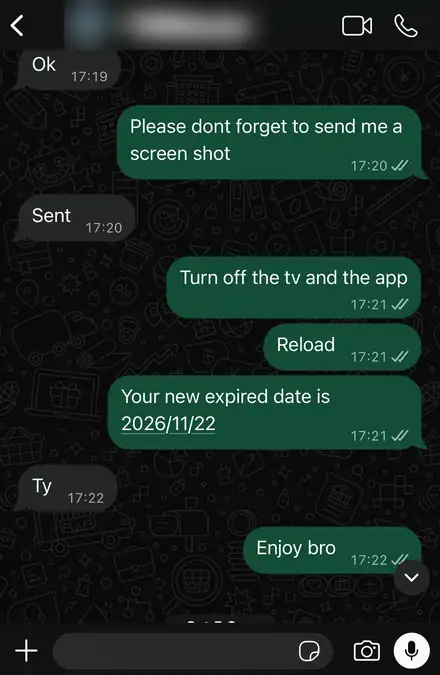
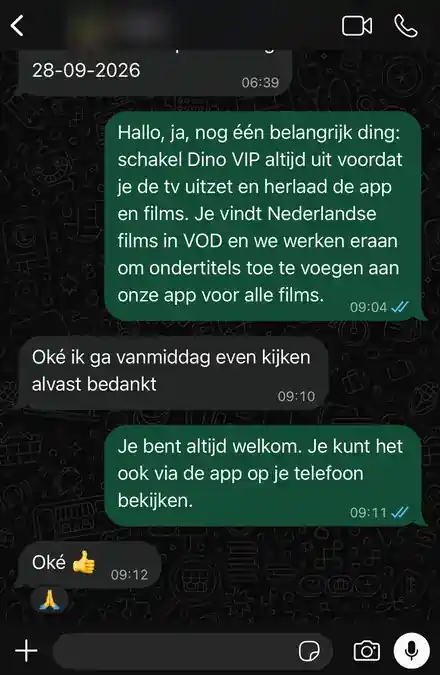
Names, profile photos and login details are blurred to protect our customers.